
When I first got my TIDRADIO H3 Plus, I used the Odmaster software and, turning it on and off, had a blank screen. Or, so it seemed.
It was actually a backlight issue…which is hard to solve if you can’t see the menu items to turn it back on. 🙂
This video explains:

Here is the punchline (exact key presses to turn the backlight back on), thanks to Kelvin in the TIDRADIO H3 PLUS – NEW MODEL Facebook group:
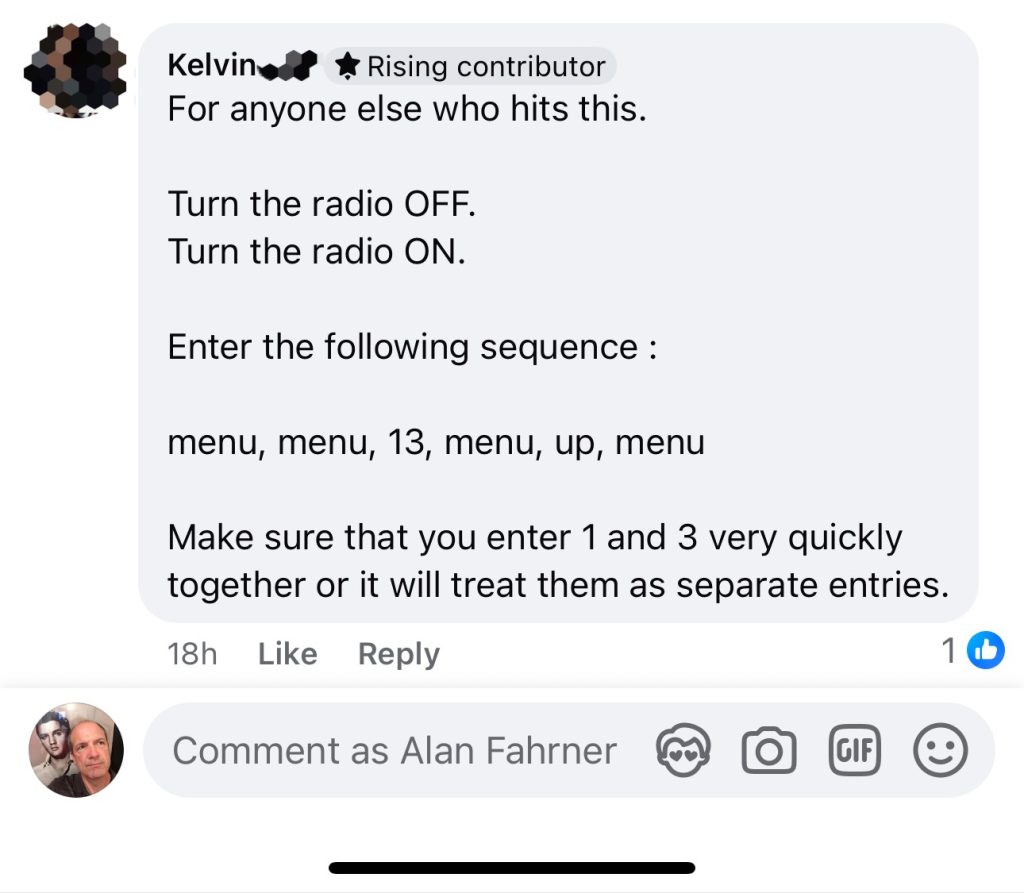
- Turn the radio OFF.
- Turn the radio ON.
- Enter the following sequence:
menu, menu, 13, menu, up, menu - Make sure that you enter 1 and 3 very quickly together or it will treat them as separate entries.
Finally, a way to avoid the issue is to upgrade your firmware before using Odmaster.
Hope this helps!
Category: Blog